Windows
Install MatrixIntervals on Windows.
Follow these steps to install and launch MatrixIntervals on Windows.
Download MatrixIntervals
Download the latest Windows version of MatrixIntervals from the download page.
Download1. Open the installer
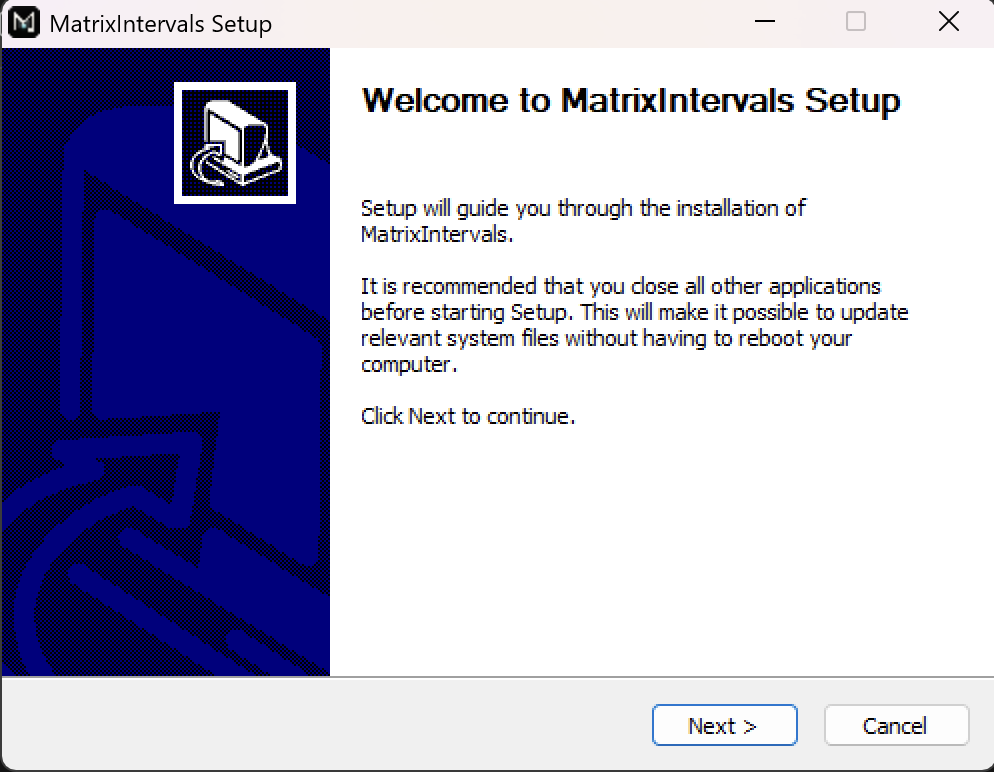
Open the downloaded .exe installer
and click Next to continue.
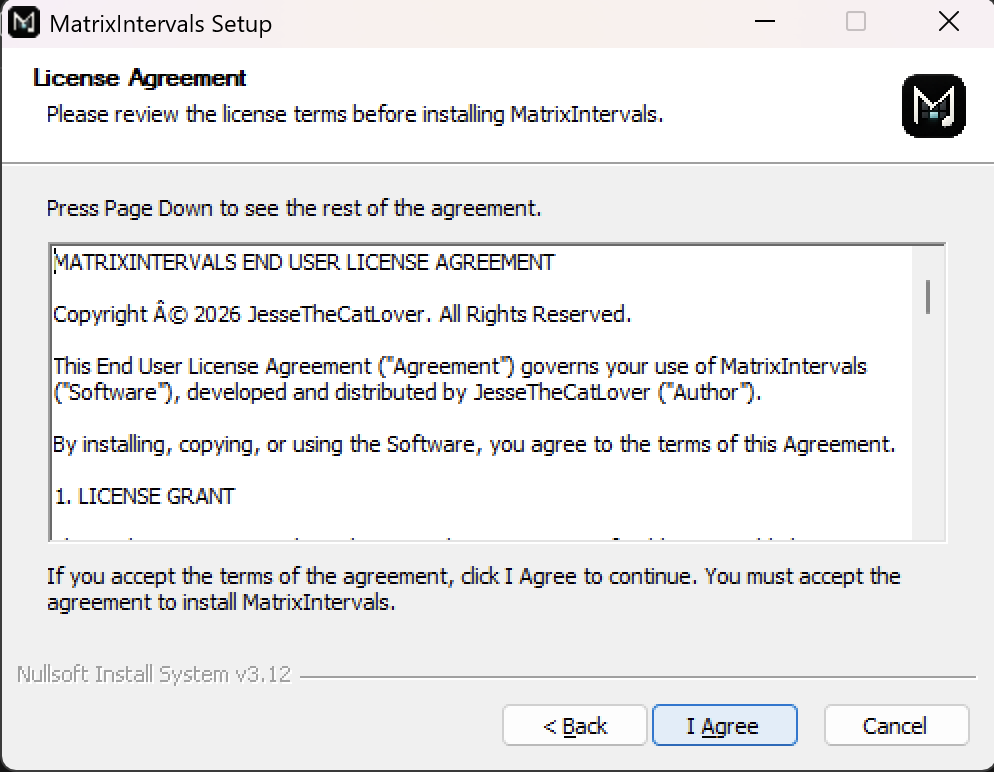
Review the license agreement. If you accept the terms, click I Agree to continue.
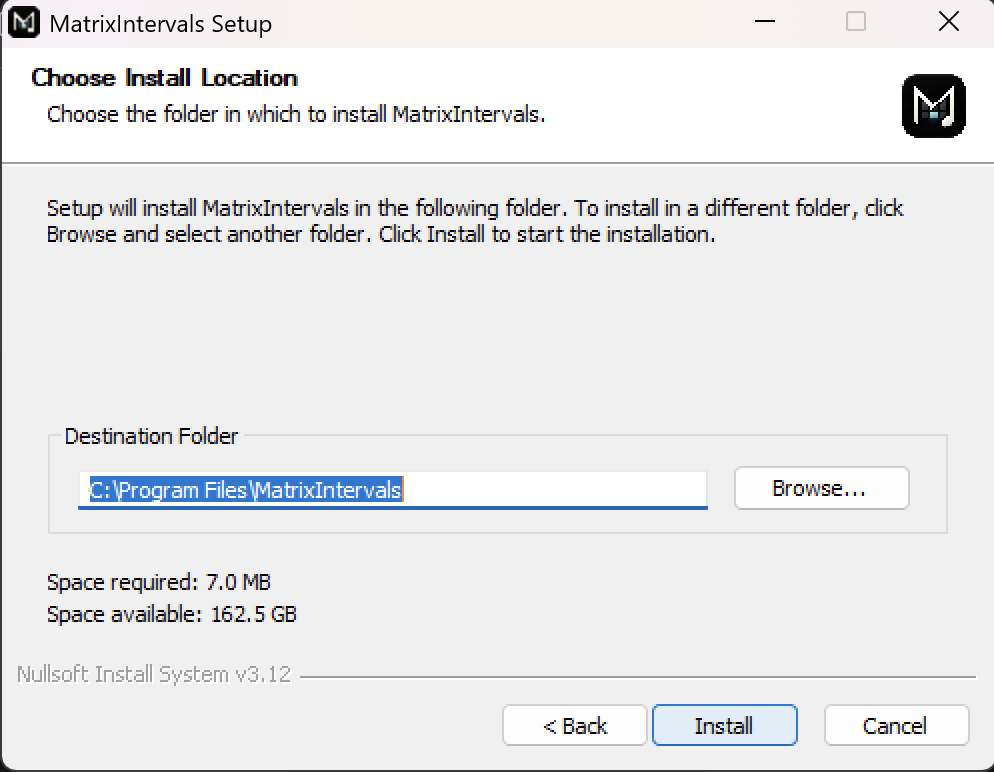
Choose your installation location, then click Install to begin the installation.
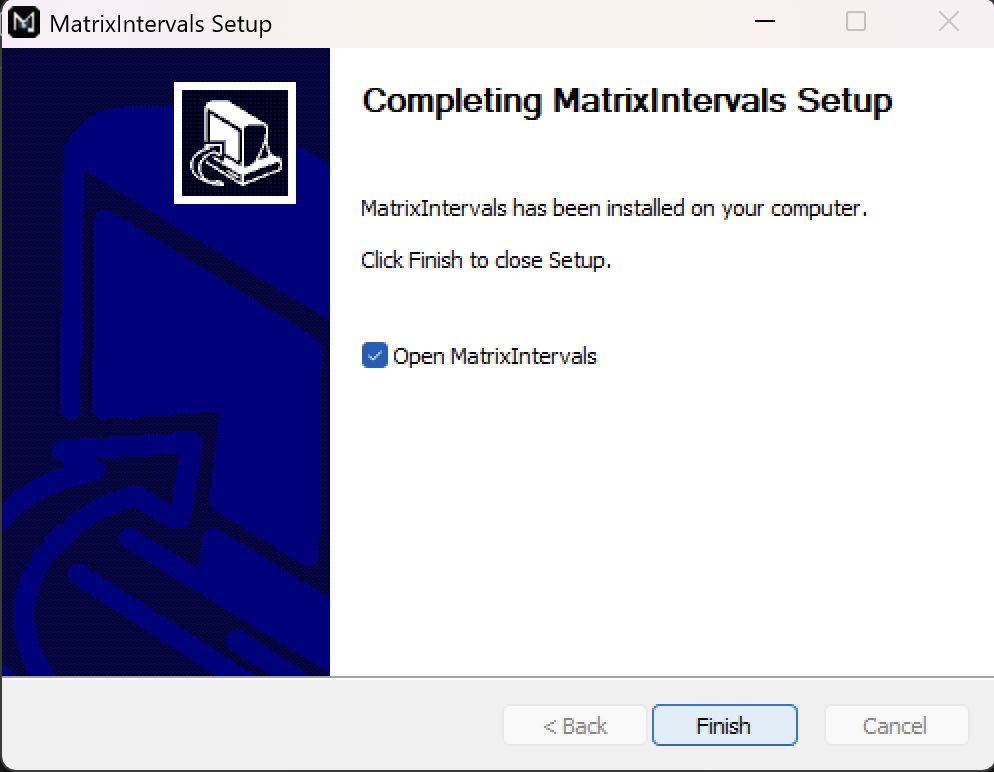
Once the installation is complete, click Finish to close the installer.